You can create LLWR output and delete files in the Output LLWR section.
The LLWR output and deletion process is described in the following:
- Full submission
- Learners without ULI
- Learners by course range
- Specific learners
- Return types
- Output files
- Deletion options
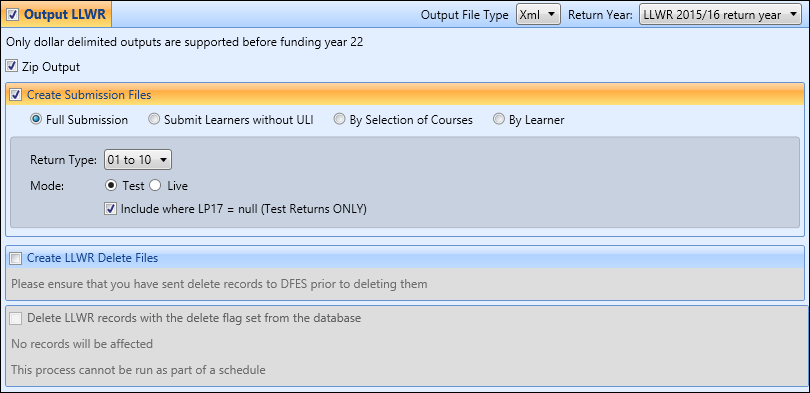
You can then select the output file type of .xml or .txt for submissions to DfES from the Output File Type field and the required LLWR return year to apply the validation rules to in the Return Year field.

You can also select the Zip Output check box to output the LLWR submission as a zip file which can be sent directly to DfES in zipped format. This will place the LLWR submission in a zip file with the same name as the corresponding .xml output file.
